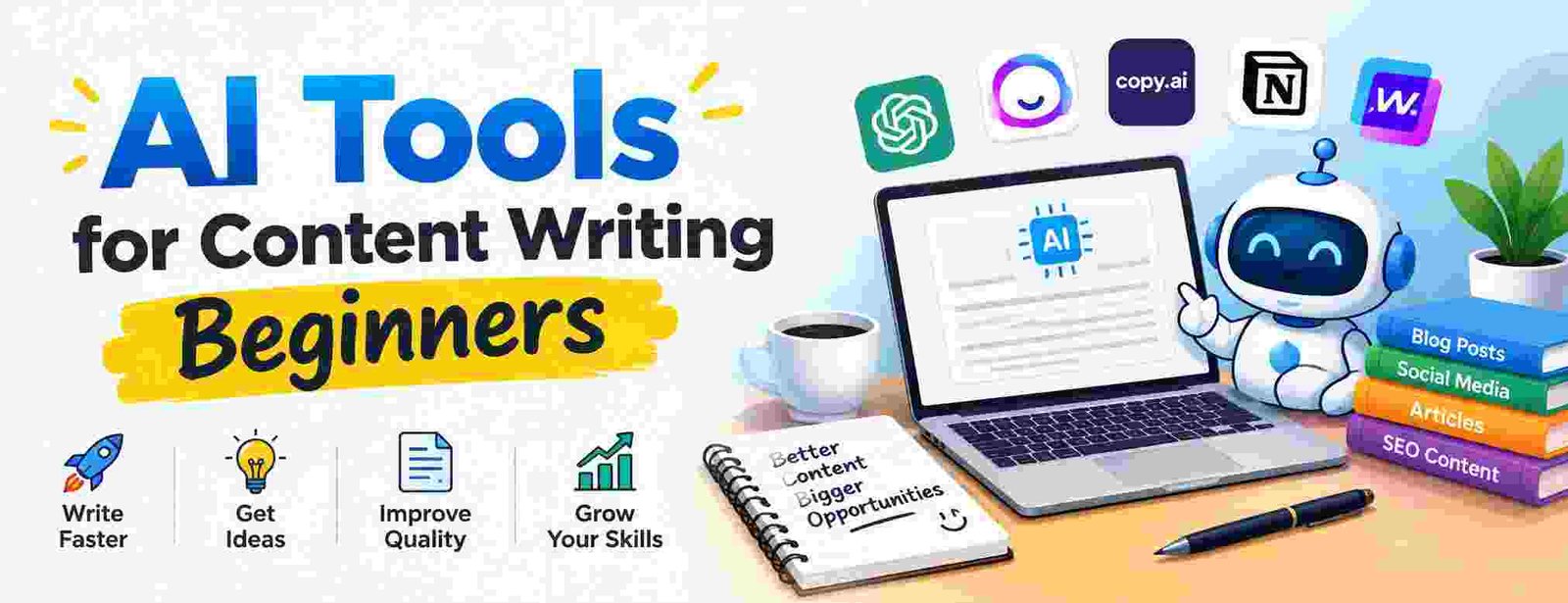
Best AI Tools for Content Writing Beginners: Simple Setup Guide
Are you struggling to write blog posts faster without sacrificing quality? Blank screens and tight deadlines frustrate almost every new writer starting out today. Using simple AI writing assistants solves this problem instantly by helping you outline, draft, and polish articles in minutes.
Why New Writers Need Beginner-Friendly AI Assistance
Starting out in content creation feels overwhelming when you face tight schedules and constant demands for fresh ideas. Early adoption of basic text generators eliminates starting friction and reduces mental fatigue.
- Faster Drafting: Outline articles in seconds instead of spending hours staring at a blank screen.
- Vocabulary Support: Find better word choices quickly to explain complex topics simply.
- Grammar Assistance: Catch common spelling and structural errors before publishing.
Key Features to Look for in Entry-Level Writing Software
Not every software platform suits someone who is just getting started. Beginner-friendly software must prioritize intuitive layouts over complex prompts or technical coding requirements.
Look for platforms offering clean user interfaces, step-by-step templates, and affordable pricing tiers. Clear onboarding tutorials help you master basic functions without needing hours of technical training.
| Feature | Importance for Beginners | Top Benefit |
| Pre-built Templates | High | Generates outlines and headlines in one click |
| Real-time Grammar Checks | High | Prevates basic errors while you draft |
| Simple Prompting | High | Eliminates steep learning curves |
| Free Trial Tiers | Medium | Allows testing without financial risk |
Top 5 AI Tools for Content Writing Beginners Explained
Choosing your first software platform depends on your specific goals, budget, and desired content formats. Here are five simple solutions that deliver high value to new creators.
- Grammarly: Focuses on real-time style, clarity, and grammar fixes.
- Jasper AI: Offers structured templates for blogs, social posts, and ad copy.
- Copy.ai: Ideal for brainstorming titles, social captions, and short email drafts.
- ChatGPT: Excellent for general outline creation and topic research.
- Writesonic: Provides simple guided workflows specifically designed for blog generation.
How Free Writing Assistants Compare to Paid Options
Free versions of popular software offer solid entry points for new creators testing the waters. Free tiers usually limit word counts or advanced features, but they provide enough functionality to master basic writing prompts.
Upgrading to paid plans unlocks higher output limits, team collaboration options, and deeper tone customization. Assess your monthly word volume before subscribing to a paid plan.
Creating Your First Blog Outline with Smart Prompts
Building a clear outline ensures your content flows logically from start to finish. You can use standard prompts in your platform to generate structured subheadings quickly.
Provide your software with clear context, target audience details, and desired core goals. Refining the output manually ensures your finished outline matches your personal brand voice.
Balancing Automation with Authentic Human Editing
AI software generates ideas quickly, but human oversight guarantees real accuracy and authority. Readers connect with authentic personal stories and unique hands-on experiences that software cannot replace.
Always verify facts, check quoted figures, and polish generated text to match your natural voice. Treat your software as a helpful co-pilot rather than an automated author.
Avoiding Common Mistakes When Using Generative Writing Tools
Relying entirely on automated text leads to generic content that lacks personal depth. Overusing simple templates creates repetitive patterns that weary your readers.
- Fact-Checking Omissions: Always verify stats and claims through reputable primary databases like Pew Research Center.
- Ignoring Brand Voice: Edit robotic phrasing so your natural tone shines through clearly.
- Keyword Stuffing: Maintain natural language patterns instead of forcing keywords repeatedly.
Improving Content Quality with Search Engine Best Practices
Google prioritizes content that demonstrates genuine experience and helpful insights for real people. Learn more about quality evaluations directly from the official Google Search Central Guidelines.
Integrating proper search formatting like clear subheadings and concise paragraphs improves readability. Refer to technical definitions on the W3C Web Accessibility Initiative to keep your text readable for everyone.
Building Topical Authority Through Structured Content Clusters
Topical authority means covering a subject thoroughly across interconnected articles on your website. Using software helps you map out subtopics, related questions, and helpful user guides efficiently.
Link your foundational guide to shorter subtopic articles using clear anchor text. This clear structure helps both readers and search engine crawlers navigate your platform effortlessly.
Future Writing Trends: How Automation Aids Early Career Writers
Writing tools continue to evolve into interactive writing assistants that support research, layout creation, and stylistic editing. Embracing these systems early prepares you for modern digital publishing demands.
Focus on developing strong editing, storytelling, and research skills alongside your technical skills. Combining technical automation with human creativity ensures your writing stays relevant and valuable long-term.
Frequently Asked Questions
Are AI tools for content writing beginners safe to use for web content?
Yes, writing tools are safe to use as long as you review, edit, and fact-check the output to ensure accuracy, originality, and value for human readers.
Can beginners use these writing platforms for free?
Most popular writing platforms offer free plans or trial periods with basic features and daily word limits perfect for testing.
Will using automated assistants harm search rankings?
No, search engine guidelines focus on content quality and reader value rather than how the content was produced.
What is the best platform for a complete novice?
Grammarly and Copy.ai offer simple user interfaces, guided templates, and minimal learning curves for complete beginners.
How do I prevent generated text from sounding robotic?
Inject personal anecdotes, edit awkward phrasing, vary sentence length, and read your draft out loud to ensure a natural human flow.
Do writing assistants replace human content creators?
No, writing tools assist with research, structure, and drafting speed, but human creativity and editing remain essential for high-quality content.